
Laptop SSD & RAM upgrade guide
Before you replace a slow laptop, check whether an SSD and more RAM can save it. Often they can.
Know your slots
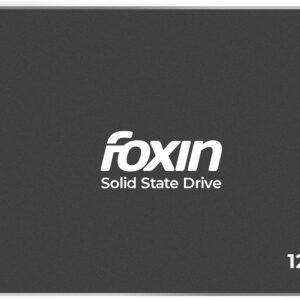
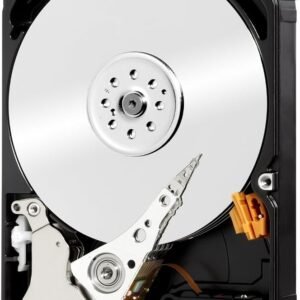
2.5" SATA SSD
Replaces an old 2.5" hard disk — fits most older laptops.
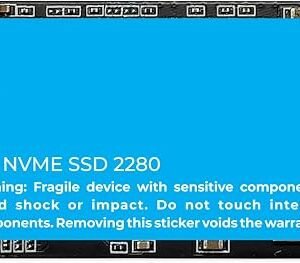
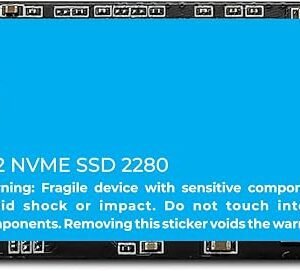
M.2 SSD
Newer laptops have an M.2 slot — SATA or NVMe. The slot decides which works.
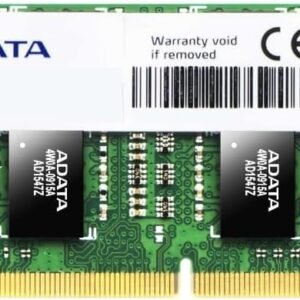
RAM
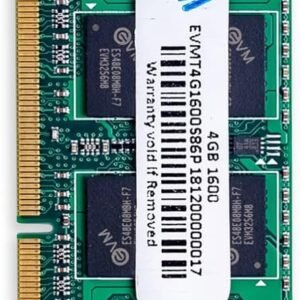
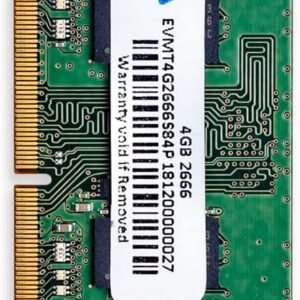
Laptops use SO-DIMM RAM (DDR3 or DDR4 on most older models). Check the maximum supported.
How an upgrade works
We check the laptop
Model, free slots, RAM type and maximum — so you buy the right part once.
Fit the parts
SSD and RAM installed; old parts returned to you.
Move or reinstall
Clone your existing drive or do a clean Windows install with your files backed up.
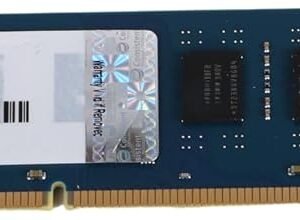
SSDs and RAM
Questions people ask
How much faster will an SSD make my laptop?
Will I lose my files?
Is every laptop worth upgrading?
More buying guides
Best Ink Tank Printer for Home (2026)
Print-scan-copy, Wi-Fi and running cost — and our picks with prices.
OpenCanon vs Epson vs HP vs Brother Ink Tank Printers
Strengths of each brand and who should buy which.
OpenHow Many CCTV Cameras Do I Need?
Plan cameras for a home, shop or office in five minutes.
OpenStill deciding? Ask us.
WhatsApp us your use and budget — we reply with an honest suggestion and today’s price.