
Buying guide · updated Oct 2026
When should you service your printer?
Some problems you can fix in two minutes; others get worse if you keep printing. Here is how to tell the difference.
பிரிண்டர் சர்வீஸ் எப்போது தேவை?Signs
Signs and what to do
| Sign | Try first | Bring it in if… |
|---|---|---|
| Faded or missing colour | Check ink levels; run one head cleaning; print a nozzle check | Still faded after 2 cleanings |
| Lines or streaks | Head cleaning and alignment from the printer menu | Lines stay after cleaning |
| Paper jam / not picking | Use good paper; remove torn bits gently | Jams keep happening |
| "Ink pad full" / service error | Nothing — this needs a technician | Always |
| Grinding noise | Switch off; check for paper or objects inside | Noise continues |
Too many head cleanings waste ink and can fill the waste ink pad sooner — stop after two.
Prevention
How to avoid most printer repairs
- Print at least once a week.
- Use the ink made for your model.
- Keep the printer covered and on a stable surface.
- Do not tilt an ink tank printer when moving it — ink can leak inside.
Need help? We are an authorised service centre for Canon and Brother, and repair all other brands — book a service.
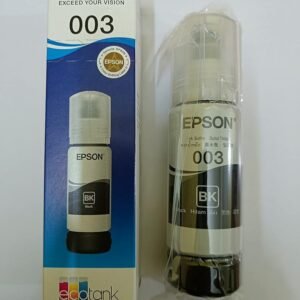
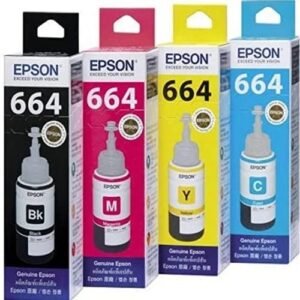
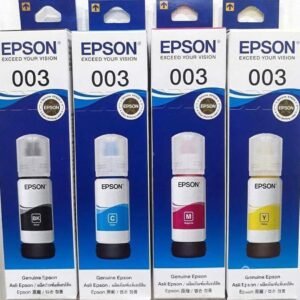
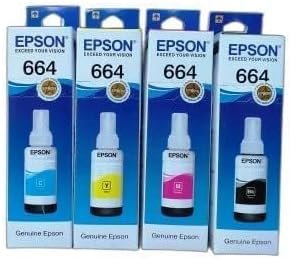
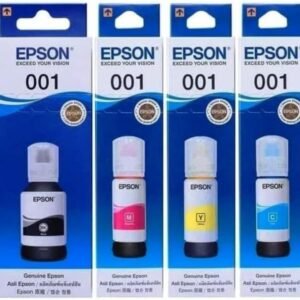
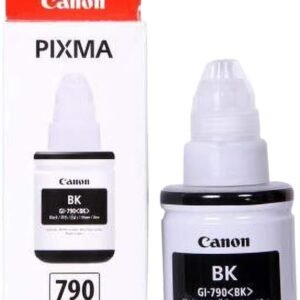
Genuine ink
Ink price listInks in stock

FAQ
Questions people ask
How often should a printer be serviced?
There is no fixed schedule for home printers — service when you see the signs above. Busy office printers benefit from regular servicing.
Can the waste ink pad be replaced?
Yes — it is a routine service on many ink tank printers.
Keep exploring
More buying guides
Best Ink Tank Printer for Home (2026)
Print-scan-copy, Wi-Fi and running cost — and our picks with prices.
OpenCanon vs Epson vs HP vs Brother Ink Tank Printers
Strengths of each brand and who should buy which.
OpenHow Many CCTV Cameras Do I Need?
Plan cameras for a home, shop or office in five minutes.
OpenStill deciding? Ask us.
WhatsApp us your use and budget — we reply with an honest suggestion and today’s price.